

Add your employees
What this achieves
Section titled “What this achieves”An employee record holds everything Humavera knows about one person: who they are, who they report to, what they are paid, and what they are entitled to. Leave, payroll, learning, and performance all read from this record, so it is the point every other module depends on.
Required role: Administrator or Manager.
- Go to Employee Directory → All Employees.
- Select Add Employee.
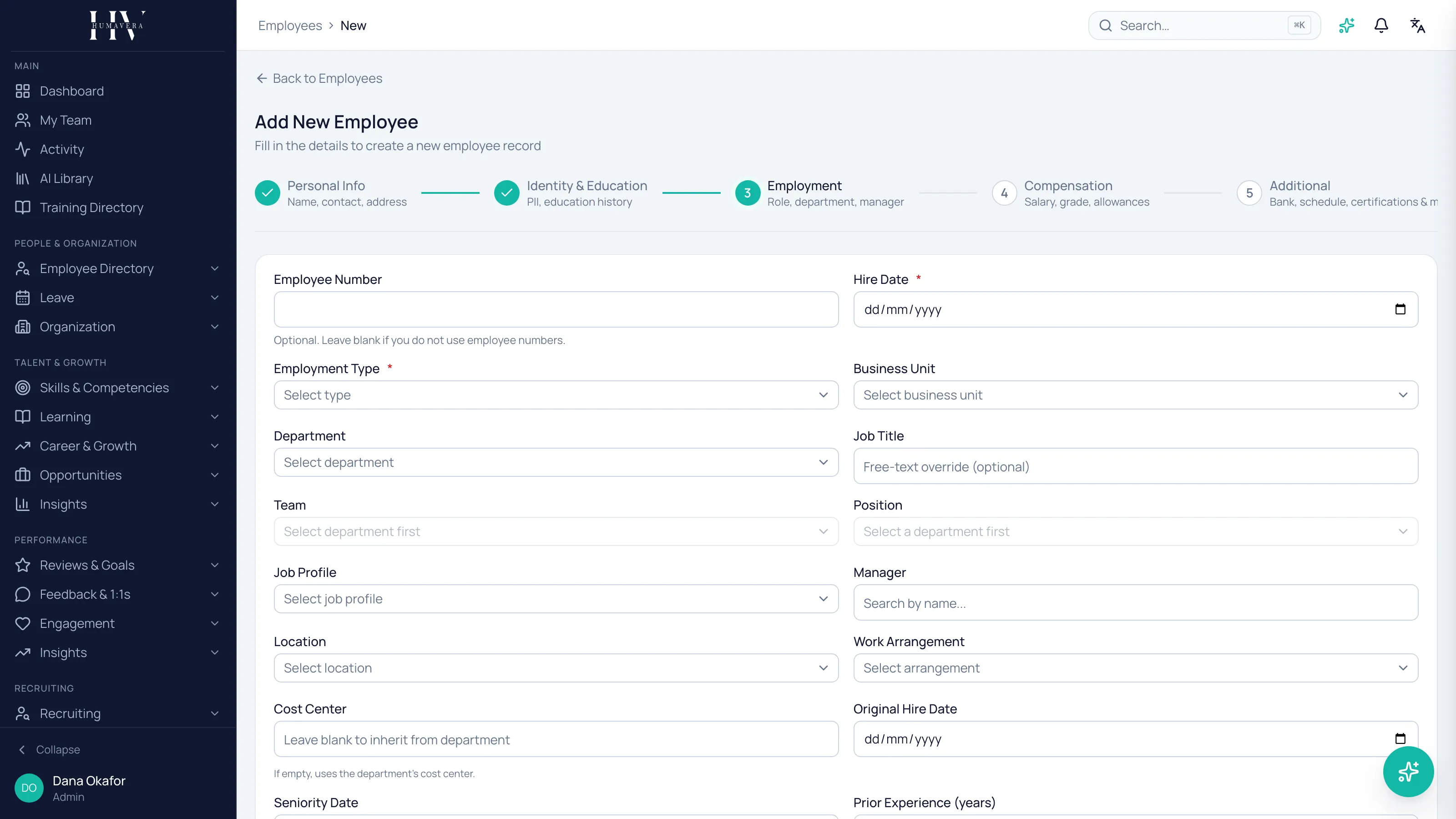
- Work through the wizard one step at a time, selecting Continue to move on.
- On Review, check the details, then select Create Employee.
The wizard steps
Section titled “The wizard steps”The wizard shows up to seven steps. Compensation and Additional appear only when your workspace has those field sections switched on, so you may see fewer.
| Option | Description |
|---|---|
| Personal Info | Name, contact details, and address. |
| Identity & Education | Identity documents and education history. |
| Employment | Role, department, and manager. |
| Compensation | Salary, grade, and allowances. |
| Additional | Bank details, schedule, certifications, and more. |
| Access | Whether this person gets a user account, and what they can do. |
| Review | A summary of everything above, before the record is created. |
Giving the employee a sign-in
Section titled “Giving the employee a sign-in”On the Access step you decide whether the person can log in to Humavera at all.
| Option | Description |
|---|---|
| Create user account | Allows this employee to log in to Humavera. Leave it off for someone who only needs a record, not access. |
| Send invite email | Sends a welcome email with login instructions. Available when you are creating a user account. |
Example: Tom Hargreaves, a warehouse operative, is paid through Humavera but never signs in, so he needs an employee record with no user account. Olivia Bennett, who approves leave for her team, needs both.
What happens next
Section titled “What happens next”The employee appears in the directory straight away and becomes selectable as a manager, a department head, and a payroll subject. If you created a user account and sent an invite, they receive an email with instructions to set their password and sign in.
Related
Section titled “Related”© 2025-2026 Humavera Documentation - BPilot Ltd. All Rights Reserved